Harshal Deogaonkar
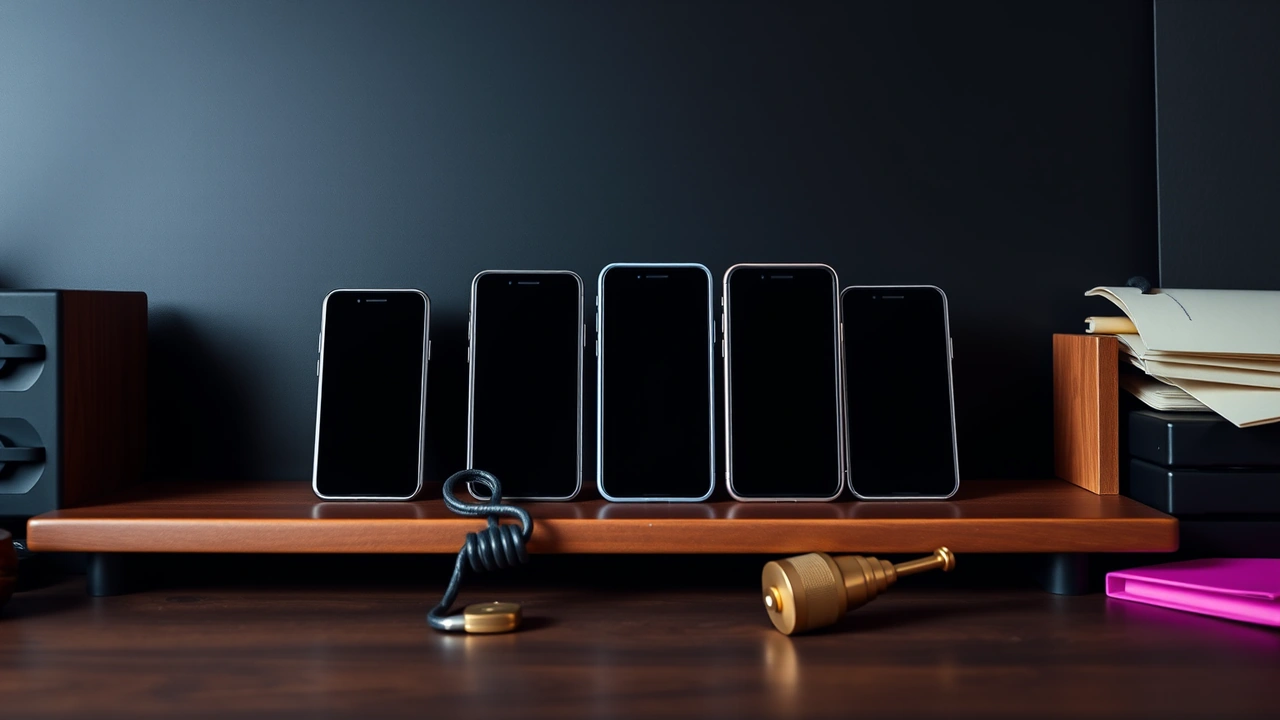
Harshal writes the download and install page. He keeps a shelf of phones bought in India across several years and price points — a budget handset that is five years old, a mid-range phone, a current flagship — because the same step looks different on each, and readers own all of them.
His interest is the stretch between tapping a download link and seeing an app icon. That is where Android asks its questions: may this browser install files, is this the app you meant, do you want to allow these permissions. It is also where most people tap "Allow" without reading.
Independent app check · not the operator · no files, no sign-in
The warnings he separates
- Warnings that mean nothing and warnings that mean everything. Chrome's notice on every
.apkfile is generic. A Play Protect block because an app wants to read SMS is specific, and on Indian phones it has been in place since late 2024. He writes about the difference so readers stop treating both the same way. - Permissions that outstay their welcome. The "install unknown apps" permission stays with the browser until someone removes it. He always ends an install page with switching it back off.
- What refusal means. When Android will not install one file over another, the reason is usually that the two were signed by different builders. He treats that refusal as the most honest thing a phone will ever tell you about a file.
Independent app check · not the operator · no files, no sign-in
His method on the shelf
He installs, reads, and then removes. He does not keep apps he writes about on a phone he uses for money, and he does not accept files from brands, agents or readers.
Independent app check · not the operator · no files, no sign-in
Away from the phones
Harshal repairs old phones for neighbours and says the most common fault he finds is not a broken part, but an app nobody remembers installing.